Table of contents
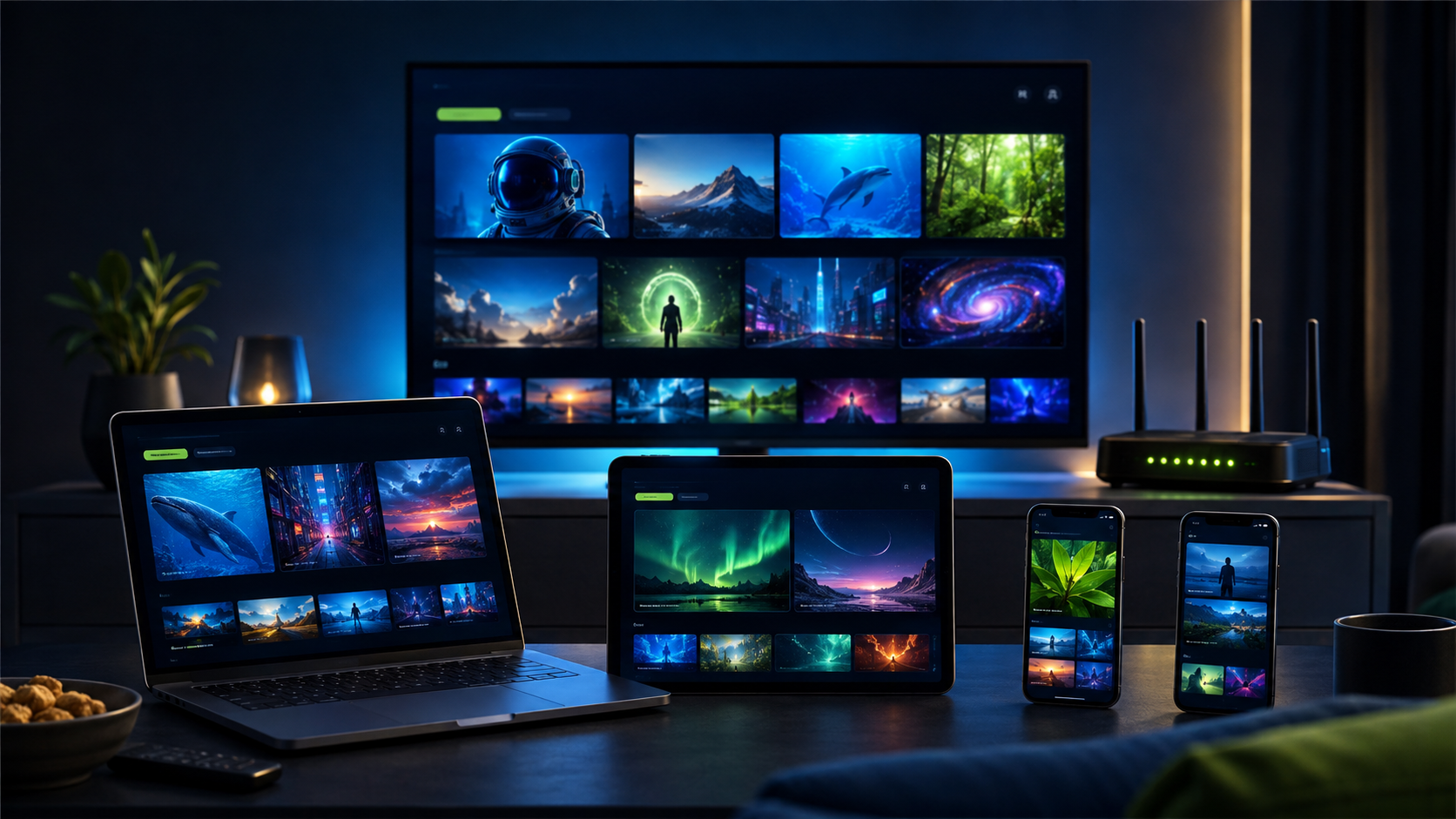
IPTV for 2 devices is a practical choice for couples, roommates or a household with a main television and a second screen. The key is confirming that the plan includes two simultaneous connections—not merely permission to install a player on two devices.
Decide whether both screens play together
If one person watches in the living room while another uses a bedroom television, phone or tablet, the household needs two active streams. If the second device is only a backup, one connection may be enough.
Choose the two primary devices
Write down the exact platforms, such as Fire TV plus Samsung TV, Android TV plus iPhone, or two streaming boxes. Confirm the legitimate player recommended for each and whether a separate app activation applies.
Test both connections at the same time
A single-screen test does not validate a two-device plan. During the trial, start playback on both devices while connected to the normal home network. Navigate categories and the guide independently and watch for router or Wi-Fi limitations.
Check the speed where each screen sits
A strong signal near the router does not guarantee coverage in a bedroom. Test at both locations. Use Ethernet for a fixed screen when practical and strong 5 GHz or 6 GHz Wi-Fi at a reasonable distance.
Plan simple household rules
Give each person a primary device and avoid sharing private credentials outside the household. If a third screen is used occasionally, stop playback on one of the first two before starting another.
Compare the two-device price
Check whether the displayed price is for one or two connections and compare the total upfront amount across plan lengths. Our pricing section lets you select the device allowance before choosing a term.
Keep setup support device-specific
When asking for help, state the device, player and visible error. Support should explain safe steps without requesting email, app-store, banking or router passwords.
Review the result before buying
Both users should confirm that navigation, guide data and available categories meet their needs. Availability can vary by plan, location and applicable rights, so test what matters instead of relying on assumptions.
A realistic decision example
A couple might use a Fire TV in the living room and an Android tablet elsewhere. The correct test is not opening each device separately. Start both at once, navigate on each and keep them active long enough to reveal weak Wi-Fi or an incorrect connection allowance. If one screen stops when the other begins, confirm the plan and login details with support. If both work near the router but the tablet struggles in another room, improve the network rather than paying for another connection. This test separates account capacity from local coverage and gives both viewers a realistic picture of everyday use before payment.
Your final IPTV for 2 devices comparison should record the same device, connection, support and pricing tests for every option. Revisit this IPTV for 2 devices checklist whenever the household, primary screen or internet setup changes.
IPTV for 2 Devices checklist
- Two simultaneous streams confirmed
- Both device platforms identified
- Players installed from trusted sources
- Both screens tested together
- Wi-Fi checked at both locations
- Two-connection price verified
Frequently asked questions
Should I use a trial first?
Yes. Test the main television, normal home connection, preferred player, guide, navigation and the available categories that matter to you before choosing a paid term.
Does installing an app create another connection?
No. An installed player is not the same as an active stream. The subscription allowance controls how many screens may play simultaneously.
Can every program or event be guaranteed?
No responsible comparison should promise that. Availability can vary by plan, location and applicable rights, so confirm the categories you care about during the trial.
For independent online-safety advice, review the FTC guidance on recognizing phishing and never disclose unrelated passwords or one-time security codes.
Test your setup before you choose
Try PlayHuddleTV for 24 hours on your main device and normal home network, with personal setup help before selecting a paid plan.