How to set up IPTV Smarters Pro depends slightly on your device, but the basic process is the same: install the legitimate player, choose the supported login method, enter the private details supplied by your provider, and test playback. IPTV Smarters Pro is a media player; it does not include a television subscription or channels by itself.
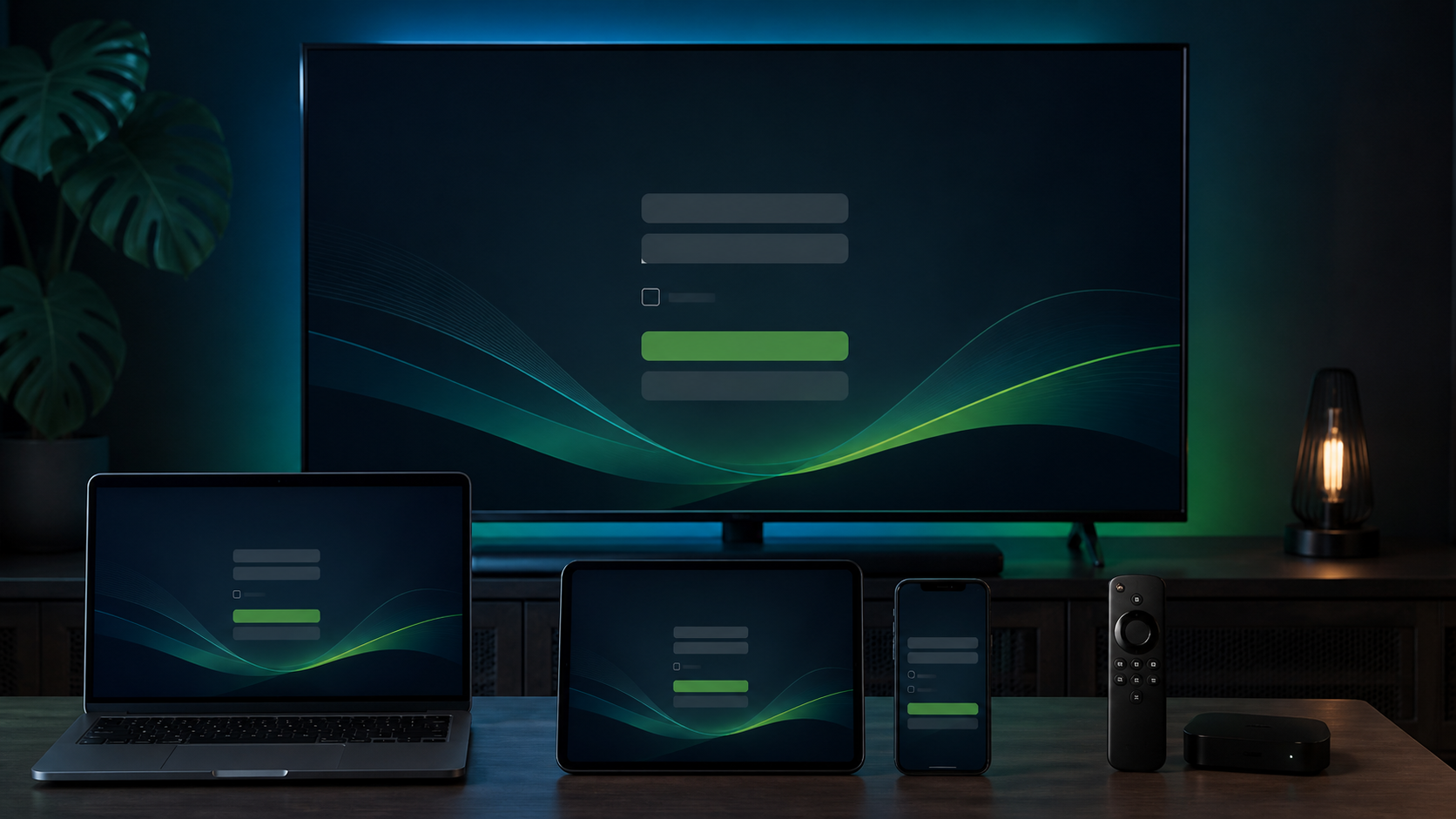
What you need before starting
- A supported television, streaming device, phone, tablet, Windows PC or Mac.
- A stable internet connection.
- The server address, username and password supplied by your provider.
- The legitimate version of the player from your device store or its official source.
How to install IPTV Smarters Pro
Android TV and Google TV
Open Google Play on the television or streaming box, search for the player and verify the developer information before installing. Avoid modified APK files from unknown websites.
Fire TV
App availability can change. Use the current installation instructions from the player’s official source and do not reuse downloader codes posted by unverified third parties.
iPhone, iPad and Apple TV
Search the App Store and review the developer, screenshots and supported-device information before installing. Similar app names do not always refer to the same product.
Samsung and LG Smart TVs
Open the television’s official app store. Availability depends on the TV model, operating system and region. If the player is unavailable, choose another compatible player or use a separate supported streaming device.
Windows and macOS
Download desktop software only from the publisher’s legitimate website. Scan the installer with your normal security tools and avoid unofficial “premium unlocked” versions.
Add your subscription details
- Open the app and accept its basic terms.
- Choose the provider-login or Xtream Codes option shown in your version.
- Add a short profile name such as “Home TV.”
- Enter the server address, username and password exactly as supplied.
- Save the profile and allow the categories and electronic program guide to load.
Do not share your login in public groups or screenshots. A support agent should never need your email, app-store or device-account password.
Test the important sections
Open Live TV first and test several available streams. Check the program guide, favorites, movies, series and replay sections relevant to you. Use your normal home network and main device so the test reflects everyday use.
Common Smarters Pro problems
Login details are rejected
Check capitalization, spaces and the full server address. Re-enter the information manually before copying it again.
The guide is empty
Confirm the device date and time, refresh the guide and allow it to finish loading. Ask your provider whether guide data is enabled for the supplied profile.
Playback pauses
Restart the player and device, test close to the router or use Ethernet, and compare another available stream. Our streaming buffering checklist covers the most useful network fixes.
IPTV Smarters Pro setup FAQ
Does IPTV Smarters Pro include channels?
No. It is an independent player and requires valid subscription details from a service provider.
Can I use the same account on multiple devices?
You can install a player on multiple devices, but the subscription determines how many streams may run simultaneously.
Do I need to pay for the app?
App features and license terms can change by platform. Any player-app fee is separate from the PlayHuddleTV subscription.
Need help with your device?
Use the Smarters Pro setup section or start a free 24-hour PlayHuddleTV compatibility trial with personal WhatsApp help.