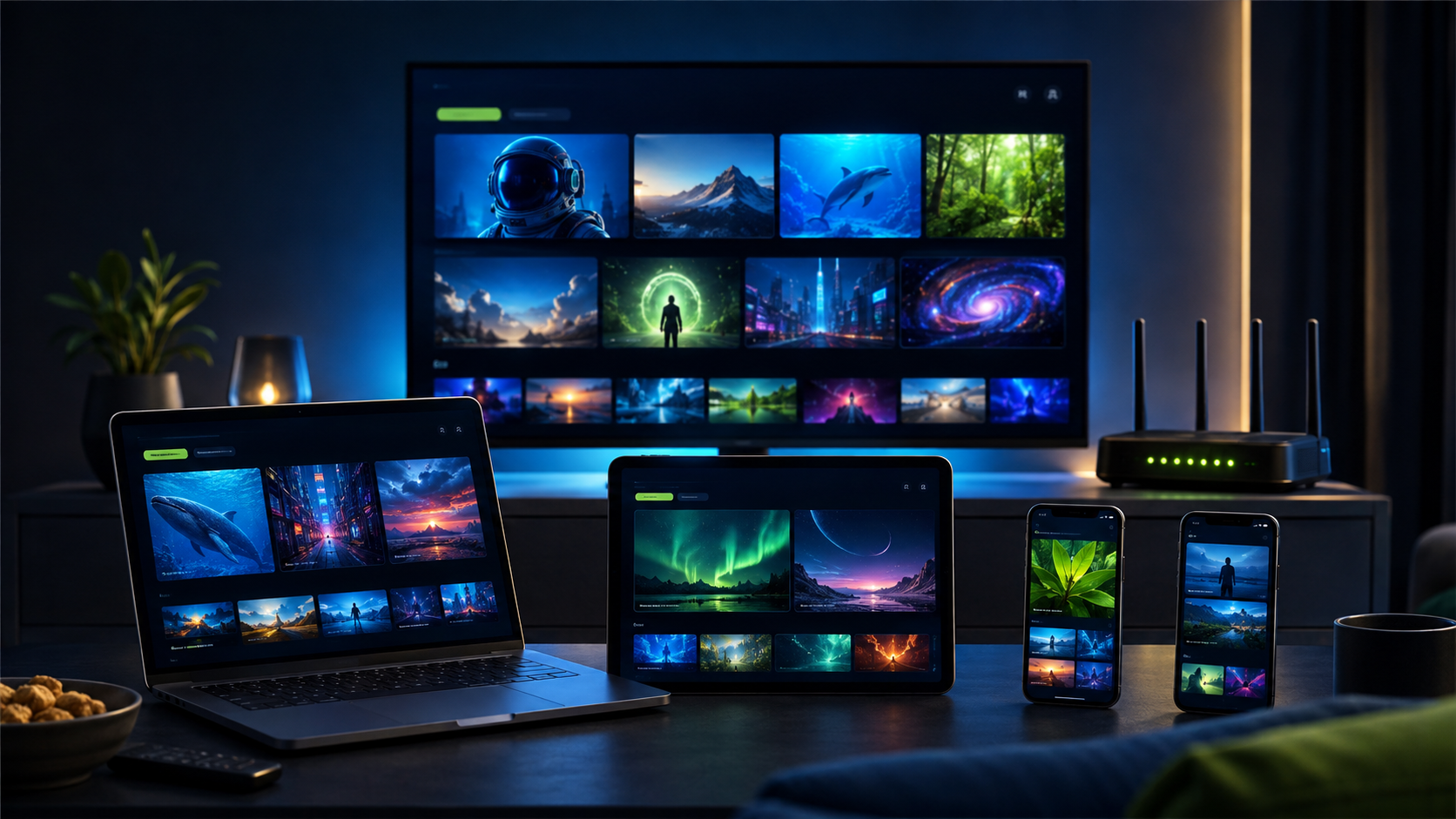
A multi-device IPTV plan should match simultaneous viewing, not the total number of screens owned. A home may have five installed player apps but need only two active connections. Counting the busiest realistic moment prevents both interruptions and unnecessary spending.
Connections and devices are different
A device is a television, box, phone, tablet or computer with a compatible player installed. A connection is an active stream. The same account can sometimes be installed widely while the subscription limits how many devices may play at once.
Map the busiest household hour
Picture a game night or weekend evening. Count every screen likely to play simultaneously, including a living-room television, bedroom device and mobile screen. Use that peak count as the starting point for the plan.
Match each device to a player
Fire TV, Android TV, Google TV, Samsung and LG televisions, Apple devices and computers can follow different setup routes. Check the device guides and install players only from official stores or publisher sources.
Test network capacity under load
Run tests while other household devices are active. One stream may work perfectly while three expose weak Wi-Fi or limited bandwidth. The internet-speed guide explains why stability and local signal matter.
Use Ethernet for fixed screens
Where practical, connect the busiest television or streaming box by Ethernet. This reduces interference and leaves more wireless capacity for phones and tablets. Strong modern Wi-Fi remains useful where cabling is not practical.
Organize access details privately
Keep device names and setup notes in a private place. Do not post subscription credentials in public groups or share them with unknown installers. Support may need the device type and error message, not unrelated account passwords.
Choose a small capacity buffer
If the household regularly reaches two simultaneous streams and occasionally needs a third, a three-connection plan may reduce conflict. Avoid buying five when the realistic maximum is two.
Test every important screen
During the compatibility trial, test the primary television first, then secondary devices. Confirm login, guide, remote navigation and normal playback before selecting the connection allowance.
A realistic decision example
Picture a home with televisions in the living room and bedroom plus two phones. Four installed devices do not automatically require four connections. If the normal peak is one television and one phone, two active streams may be enough. If both televisions and a tablet regularly play together, three is more realistic. Test that peak pattern while another household device uses the internet, because network demand matters as well as the subscription allowance. Record which screen uses Ethernet and which depends on Wi-Fi. This small map helps support isolate problems and keeps the household from buying capacity for devices that are rarely active at the same time.
Your final multi-device IPTV comparison should record the same device, connection, support and pricing tests for every option. Revisit this multi-device IPTV checklist whenever the household, primary screen or internet setup changes.
Multi-Device IPTV checklist
- Peak simultaneous viewers counted
- Every main device matched to a player
- Network tested under household load
- Fixed screens considered for Ethernet
- Credentials stored privately
- Connection buffer kept realistic
Frequently asked questions
Should I use a trial first?
Yes. Test the main television, normal home connection, preferred player, guide, navigation and the available categories that matter to you before choosing a paid term.
Does installing an app create another connection?
No. An installed player is not the same as an active stream. The subscription allowance controls how many screens may play simultaneously.
Can every program or event be guaranteed?
No responsible comparison should promise that. Availability can vary by plan, location and applicable rights, so confirm the categories you care about during the trial.
For independent online-safety advice, review the FTC guidance on recognizing phishing and never disclose unrelated passwords or one-time security codes.
Test your setup before you choose
Try PlayHuddleTV for 24 hours on your main device and normal home network, with personal setup help before selecting a paid plan.