What internet speed do you need for streaming TV? For one reliable HD stream, a practical target is 15–25 Mbps of stable available bandwidth. Plan for 25–50 Mbps for higher-quality video and add capacity for every extra television, phone, download or game running at the same time. Raw speed is only part of the answer: Wi-Fi strength, congestion, latency and the streaming device can matter just as much.
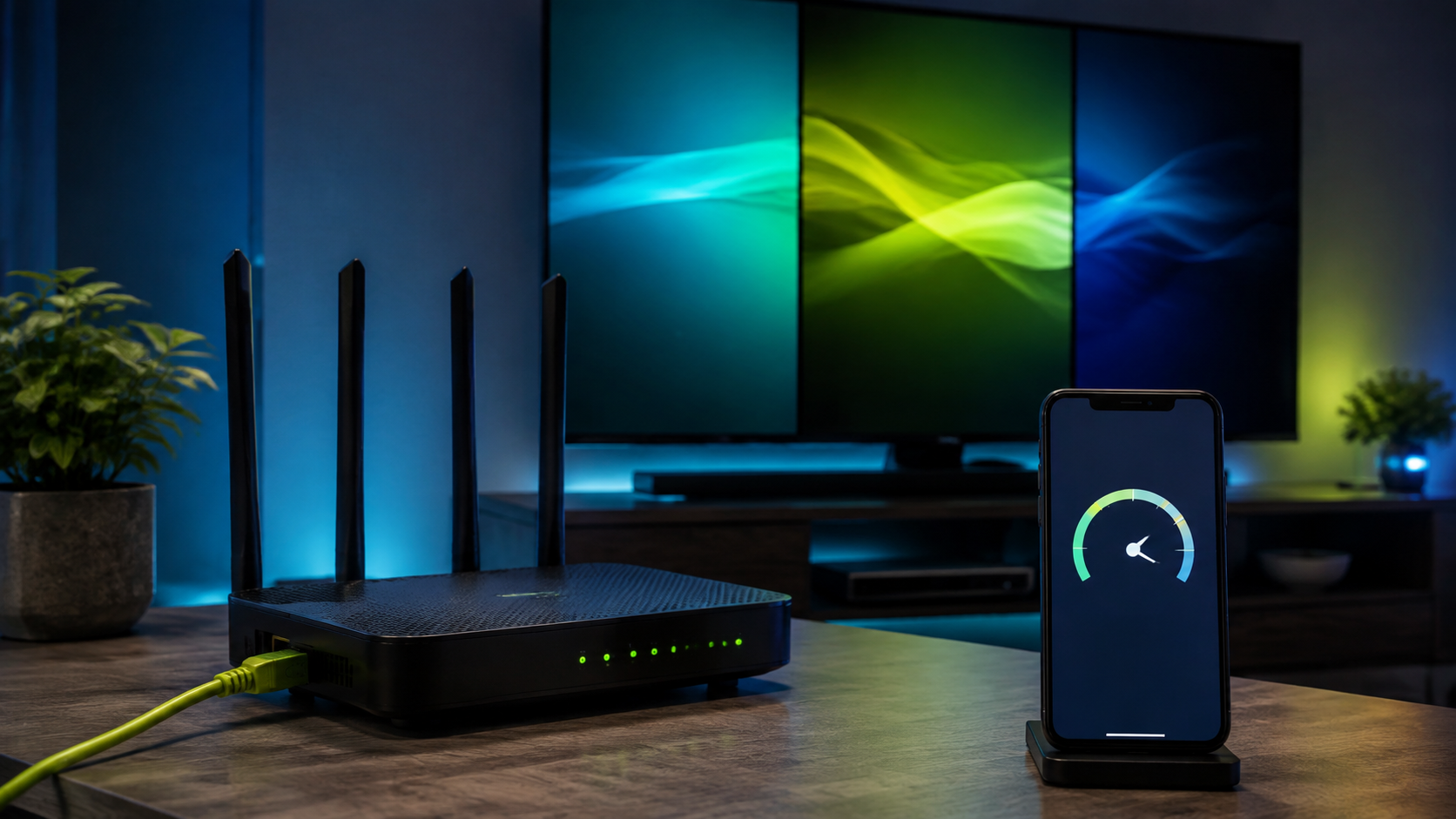
Quick internet speed guide for streaming TV
| Viewing quality | Suggested available speed per stream |
|---|---|
| Standard definition | 5–10 Mbps |
| High definition | 15–25 Mbps |
| Higher-quality / 4K video | 25–50 Mbps |
These are planning ranges rather than guarantees. The video format, app, device, home network and route to the content provider all affect the final result.
Test your real setup before paying
A speed estimate cannot reproduce your television, player and Wi-Fi. Use the free 24-hour PlayHuddleTV compatibility trial to test the device and connection you normally use.
How to calculate speed for multiple TVs
Multiply the target speed by the maximum number of simultaneous streams, then add headroom for the rest of the household. For example, two HD streams may need 30–50 Mbps before accounting for phones, computers, security cameras, cloud backups and game downloads.
- One HD television: start around 15–25 Mbps of available capacity.
- Two HD televisions: plan around 30–50 Mbps plus household headroom.
- Three active screens: consider 50–100 Mbps depending on quality and other activity.
The advertised speed on your internet plan is shared by every connected device. Test all expected screens together rather than testing one screen in an empty network.
Why a speed test can be misleading
A phone beside the router may show an excellent result while a television in another room receives a weak signal. Run the test close to the streaming device, at the time you normally watch, and repeat it several times. Evening congestion can produce a very different result from a quiet morning test.
Speed versus connection stability
A steady 50 Mbps connection can stream more reliably than a connection that jumps between 20 and 200 Mbps. Packet loss, latency, overloaded Wi-Fi channels and short connection drops can cause buffering even when the average result looks fast.
If pauses continue despite enough bandwidth, follow our step-by-step guide to reduce IPTV buffering.
Is Ethernet better than Wi-Fi for streaming?
Ethernet usually gives a fixed television or streaming box the most consistent connection. If a cable is not practical, strong 5 GHz Wi-Fi is often suitable for a nearby device. The 2.4 GHz band can reach farther through walls, but it is usually slower and more crowded.
- Place the router in an open, central position.
- Keep it away from thick walls, metal cabinets and common interference.
- Pause large downloads during important live viewing.
- Restart an older router and install legitimate firmware updates.
- Close unused apps and keep storage available on the streaming device.
Check the player and streaming device
Enough internet speed will not fix an overloaded or outdated device. Install players from legitimate sources, keep the operating system updated and confirm the correct time zone. Our IPTV setup guides for supported devices cover popular player options, including IPTV Smarters Pro setup and the TiviMate guide for Android and Fire TV.
Internet speed for streaming TV FAQ
Is 50 Mbps enough for streaming TV?
It can be enough for one or two stable HD streams when the network is not heavily used. Wi-Fi quality and other household activity still affect the result.
Is 100 Mbps enough for multiple devices?
For many households, 100 Mbps provides useful headroom for several HD streams and normal browsing. Actual performance depends on how many devices are active and whether higher-quality video or large downloads are running.
Does every television need a separate internet plan?
No. Several devices can share one home connection, but each active stream uses part of the same available capacity.
Will a new Fire TV or Android TV device stop buffering?
It may help when the old device has limited memory, storage or Wi-Fi hardware. It cannot repair a weak or unstable internet connection by itself.
How can I test IPTV streaming before subscribing?
Use a compatibility trial on the exact television, player and home connection you plan to use. Test during your normal viewing hours and, if needed, run more than one screen at the same time.
Check your network before you choose a plan
Start a free 24-hour PlayHuddleTV trial and test your normal television, player, Wi-Fi and simultaneous devices with personal setup help available.